Posts

Making the most of ETV

Image
 We currently have a 3 month free trial of ETV, a repository for a huge quantity of video content. Hagley staff and students can very easily sign up using their Hagley email addresses by clicking on the "First Time User Registration button on the  ETV website Once inside, I have found the search bar useful for titles, topics and people involved. (For example, here's some of the first results for a search of "Meryl Streep") You can also do an advanced search, limiting the sources, dates, or age levels. (Click the magnifying glass with a cog in it on the search bar.) In the "Online Collections", videos have been separated into suggested subject areas, but I find the "Library" link a little more useful. The Archives New Zealand channel in particular has some fascinating NZ news content from as far back as the 1940s. ETV, as a resource, could be used by teachers showing a video in front of the class, setting a video link for students to watch independ...
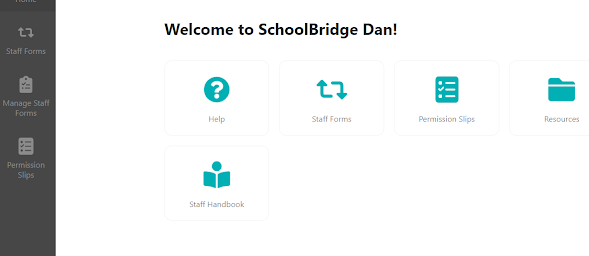
Creating Permission Forms in SchoolBridge

Image
In this post: Creating a Permission Slip Emailing slip to caregivers Printing Take Along Reports (to take student info with you on a trip)  Creating a Permission Slip To access  SchoolBridge  , either click the link to open it in your web browser, or go to the whole staff team and click the EOTC Submission tab: From the home screen in SchoolBridge go to Permission Slips (bottom of vertical toolbar) You'll end up on a page that looks like this: Go to the green 'Create' button on the top right. A pop-up window will ask you to name your form and choose who you want it sent to for approval. In this example 'Residence A' caregivers (from Kamar records) will be emailed the form - they will have to give permission. Note: Students over 19 years of age are held in  Kamar as their own caregivers so will give themselves permission. Once you click 'Create', you'll end up on this screen: To create and edit your permission slip, click 'Edit Options' on the top...